


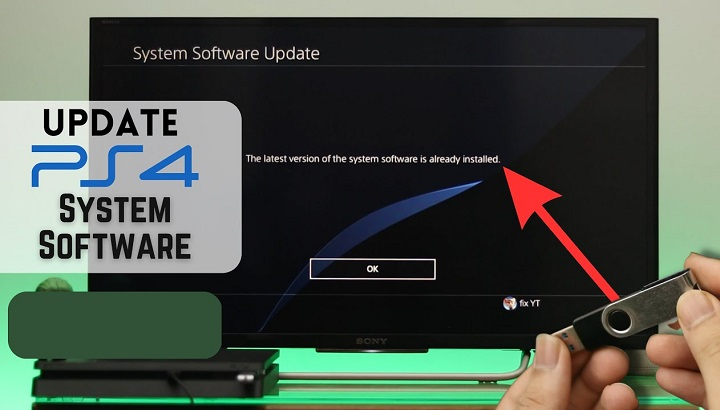
Your PS4 usually just works. You turn it on. Pick a game. Play. Simple as that. But sometimes stuff goes wrong. The console freezes up. An update won’t work. The screen goes black. Or worse – the PS4 won’t start at all. That’s when people freak out. Then someone says “try Safe Mode.” Most folks have heard of it. But they don’t really get it. Is it risky? Will it wipe your games? Is it just for tech pros? What if you mess up?
Here’s the real deal. PS4 Safe Mode isn’t scary. It’s actually super helpful. Sony made it to save your butt. And using it to update your system? Often the best fix for big problems. This guide breaks down PS4 Safe Mode updates. What it is, when to use it, how to do updates, what each choice does, what might go wrong, and how to keep your stuff safe. No tech talk. No guessing. Just real help.
What Is PS4 Safe Mode?
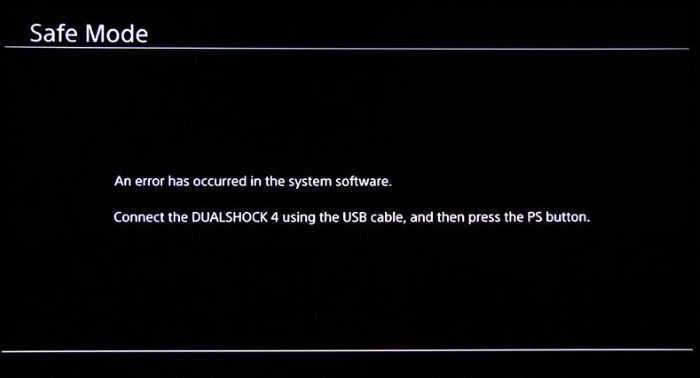
PS4 Safe Mode is like a rescue mode. It helps fix problems when your console won’t start right.
In Safe Mode, your PS4 starts with just the basics. This lets you:
Update system software
Fix broken data
Clean up the database
Reset settings
Start fresh if you really need to
Safe Mode has one job. Save your PS4 when it won’t turn on normally.
It won’t delete your stuff on its own. Only if you pick those options yourself.
When Should You Use Safe Mode to Update System Software?
You don’t need Safe Mode for regular updates. But when things break? That’s when it helps.
Use Safe Mode updates when:
The PS4 update keeps failing
The console gets stuck during updates
The PS4 keeps restarting itself
You see error codes
The PS4 won’t turn on right
The screen stays black after updating
The system says files are broken
If your PS4 works fine, skip Safe Mode. If it doesn’t work? Safe Mode often saves the day.
How PS4 Safe Mode Is Different From Normal Mode
Normal Mode is what you use daily. Games work. Apps open. Everything runs.
Safe Mode is bare bones. It:
Turns off games and apps
Loads only must-have features
Lets you fix system stuff
Think of it like a repair shop. You don’t play there. You fix things there.
How to Start PS4 in Safe Mode
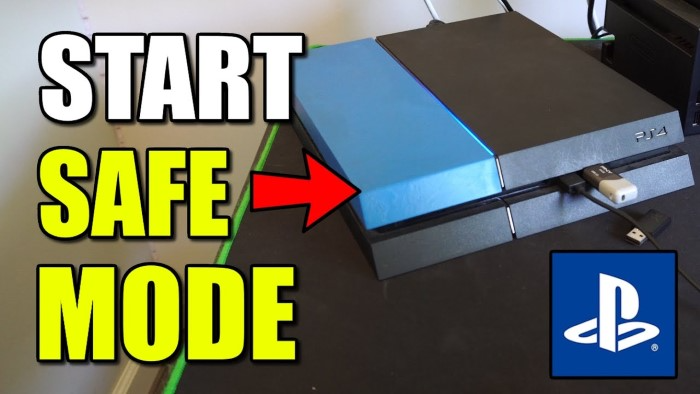
Getting into Safe Mode is easy. But timing matters.
Turn off the PS4 all the way
Not Rest Mode. The light must be off.
Press and hold the power button
Keep holding it down.
You’ll hear one beep
Don’t let go yet.
Wait for a second beep (about 7 seconds)
Now let go.
Plug in your controller with a USB cable
Wireless won’t work here.
Press the PS button
Boom. You’re in Safe Mode.
Didn’t hear the second beep? Try again. The timing is key.
Understanding the Safe Mode Menu Options
When Safe Mode loads, you see a list. This freaks people out.
Let’s break it down easily.
Option 1: Restart PS4
Just start it up normally. Safe choice.
Option 2: Change Resolution
Fixes screen problems. Also safe.
Option 3: Update System Software
This is what we want. Safe when done right.
Option 4: Restore Default Settings
Resets settings but keeps your games.
Option 5: Rebuild Database
Cleans up system files. Safe and often helps.
Option 6: Initialize PS4
Wipes everything. Be careful here.
Option 7: Initialize PS4 (Reinstall System Software)
Total wipe. Last choice only.
For updates? Pick Option 3.
How to Update System Software Using PS4 Safe Mode
This is what most people need to do.
Method 1: Update via Internet
If your PS4 can still go online:
Start PS4 in Safe Mode
Pick Update System Software
Choose Update Using Internet
Let it download and install
This works for small problems.
Internet update not working? Try USB next.
Updating PS4 System Software in Safe Mode Using USB
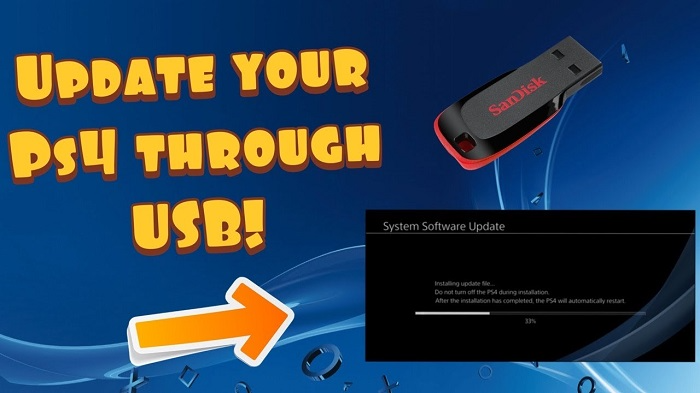
This works even when online updates fail.
What You Need
A USB stick (at least 1GB)
A computer with internet
The right PS4 update file
Step-by-Step USB Update Process
Format the USB to FAT32 or exFAT
Make a folder called PS4
Inside that, make a folder called UPDATE
Download the PS4 update file
Name it PS4UPDATE.PUP
Put it in the UPDATE folder
The path looks like:
USB → PS4 → UPDATE → PS4UPDATE.PUP
Unplug USB safely
Plug USB into PS4
Start PS4 in Safe Mode
Pick Update System Software
Choose Update Using USB Storage Device
The PS4 finds the file. Then install it.
This fixes most update problems.
Difference Between Update File and Reinstallation File
This trips up lots of people.
Sony gives you two files.
Update File
Small size
Keeps your games and saves
For Safe Mode updates
Reinstallation File
Way bigger
Wipes everything clean
Only for Initialize options
For Option 3? Use the update file. Not the reinstall one.
Wrong file = errors.
Common Errors During Safe Mode Update
Sometimes stuff still goes wrong. Here’s why.
File Not Found
Folder names wrong
File name not exact
USB format messed up
Update Loop
Last update got corrupted
Try Rebuild Database first
Then try update again
Cannot Start PS4
System files really broken
Might need full reinstall (last resort)
Error Codes
Usually storage problems
USB update often fixes these
Most errors can be fixed. No data loss needed.
Rebuild Database Before Updating: Why It Helps
People skip this. But it’s smart.
Rebuild Database:
Cleans broken system files
Fixes slow menus
Removes bad links
Keeps all your games
Update failed once? Try this:
Safe Mode
Rebuild Database
Restart
Update System Software
This combo fixes lots of stuff.
Will Safe Mode Update Delete My Games?
Nope. Not if you pick right.
Update System Software keeps everything
Rebuild Database keeps everything
Restore Default Settings keeps everything
Only Initialize options delete stuff.
Always read before you click OK.
Why PS4 Updates Sometimes Fail
Knowing why helps stop it later.
Common reasons:
Power went out during update
Storage got messed up
Internet cut out
System bugs
Old hardware
Safe Mode exists for these moments.
Tips to Avoid Update Problems in the Future
Don’t turn off PS4 during updates
Use good internet
Skip Rest Mode for big updates
Keep space free
Shut down right
A bit of care helps tons.
Is PS4 Safe Mode Dangerous?
Nope. It’s a rescue tool.
What’s risky? Picking wrong without reading.
Stick to these:
Restart
Update System Software
Rebuild Database
You’re totally safe.
When Safe Mode Update Is Not Enough
Sometimes it’s hardware trouble.
Signs:
Hard drive clicking sounds
Lots of corruption
Updates always fail
PS4 can’t find storage
Then you might need a new hard drive.
Safe Mode helps you figure this out.
PS4 Safe Mode vs PS5 Safe Mode
Both have Safe Mode. Same basic idea. But this guide is for the PS4 only. Steps are close but not exact. Files and menus differ. Don’t mix PS4 and PS5 files.
PS4 Safe Mode updates sound scary. But they’re not. Sony made this to help you. It saves consoles when normal updates break.
Most update problems? Just software stuff. Not broken hardware. And most fix easily in Safe Mode. No lost games or saves. The trick? Take your time. Read each option. Use the right file. Follow these steps exactly. Done right, Safe Mode brings “dead” PS4s back to life. And that’s huge for any PlayStation fan.